Free house plan maker for any plot
Enter your plot size in metres or feet, choose your rooms, and your own AI draws a floor plan with doors and windows. No sign-up, and your key stays on your device.
- Free, no sign-up
- Your key stays on this device
- Metres or feet, any plot size
Concept layout for discussion. Not an approved or structural drawing. Check local building rules and consult a civil engineer or architect before construction.
Step-by-step guide →Three steps to a plan
You describe the plot. Your AI draws the layout. You check it, change it and download it.
Describe your plot
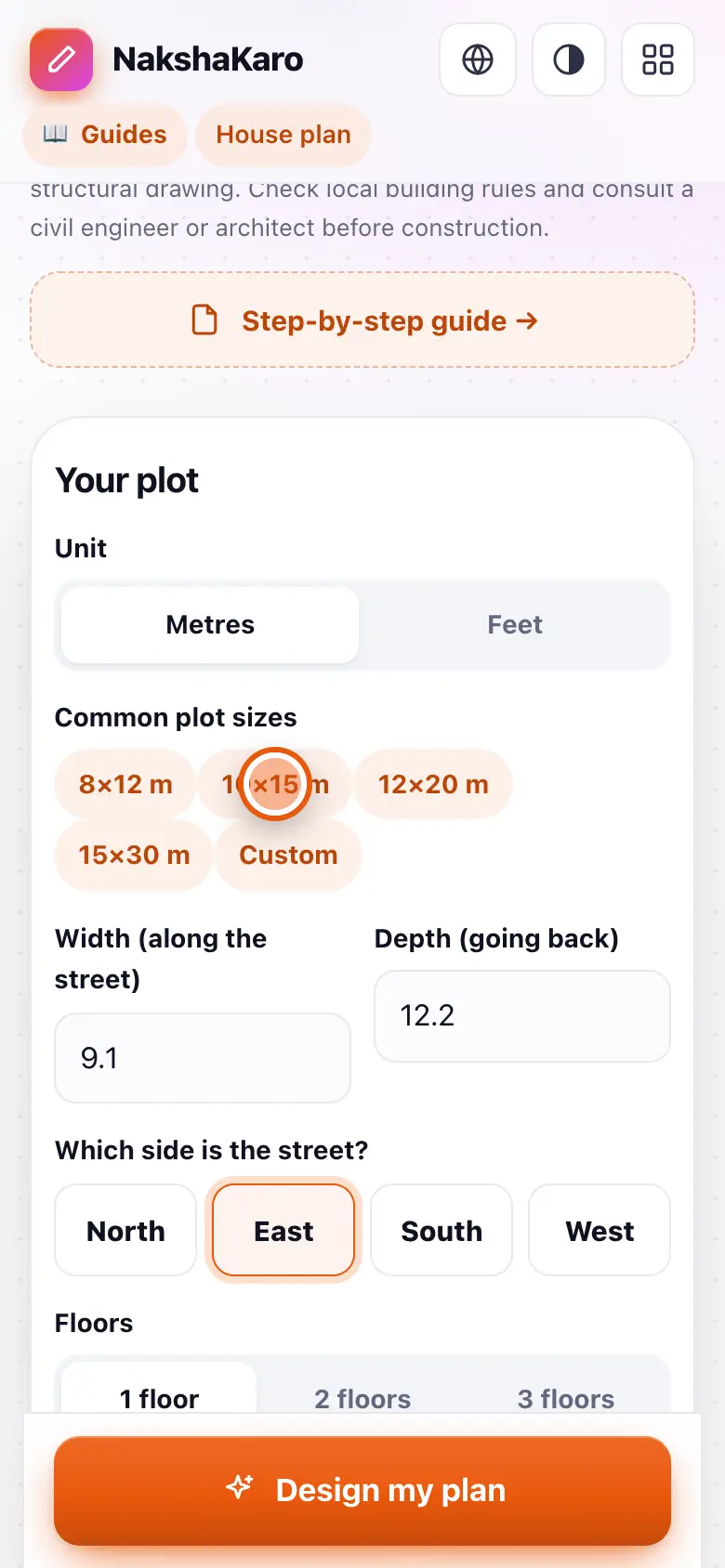
Size, street side, floors, bedrooms and the rooms you must have.
Add your AI key
Paste a key from Google Gemini (free tier), OpenRouter, Groq, Anthropic or OpenAI. No key? Use a chat app and paste its reply back.
Check, change, download
Tap rooms for details, ask for changes, then save PNG, PDF or SVG.
- Start with a common plot size, then change the numbers to match your plot.
- Use "Anything else?" for wishes like an open kitchen, a big living room or a small garden.
 Step-by-step guide →You describe the plot. Your AI draws the layout. You check it, change it and download it.
Your key stays with you
House Plan Maker has no server that handles your key or your plot details.
Requests go from your browser straight to the AI provider you choose. They never pass through our servers.
By default the key is kept only until you close the tab. Tick "Remember on this device" to keep it, and "Forget my key" removes it.
The provider bills your own account for each request. Set a spending limit in your provider account before you start.
All guides
Pick a job and follow the steps. Every step has a screenshot from a phone.
Good to know
What do I need to make a plan?
Your plot size, which side the street is on, and either a key from an AI provider (Google Gemini has a free tier) or a chat app such as ChatGPT, Claude or Gemini where you copy and paste. The guides show how.
Can I change the plan after it is made?
Yes. Type what you want changed, for example "make the kitchen bigger", or ask for another layout.
Is my API key safe?
The key is used only in your browser and sent only to the provider you pick. We never receive it. Do not use this page on a shared computer unless you tap "Forget my key".
Who pays for the AI?
House Plan Maker is free. The AI provider charges your own account for the requests you make, at the provider's own rates. Set a spending limit at the provider.
Can I build from this plan?
No. It is a concept layout for discussion, not an approved or structural drawing. Check your local building rules and consult a civil engineer or architect before you build.
What are the Vastu and feng shui notes?
If you pick a design tradition, you get short remarks on how the layout relates to Vastu (India) or feng shui. They are traditional guidance, not a promise of any result. The default is None.
Which AI providers work?
Google Gemini (with a free tier), OpenRouter, Groq, Anthropic (Claude) and OpenAI. After you paste a key, the list of models is loaded from the provider. You can also use ChatGPT, Claude or Gemini in a chat and paste the reply back.
Last updated: